
In order to manage the members of a distribution list, you need to perform the following steps.
1. Open Outlook.
2. Click on addressbook.

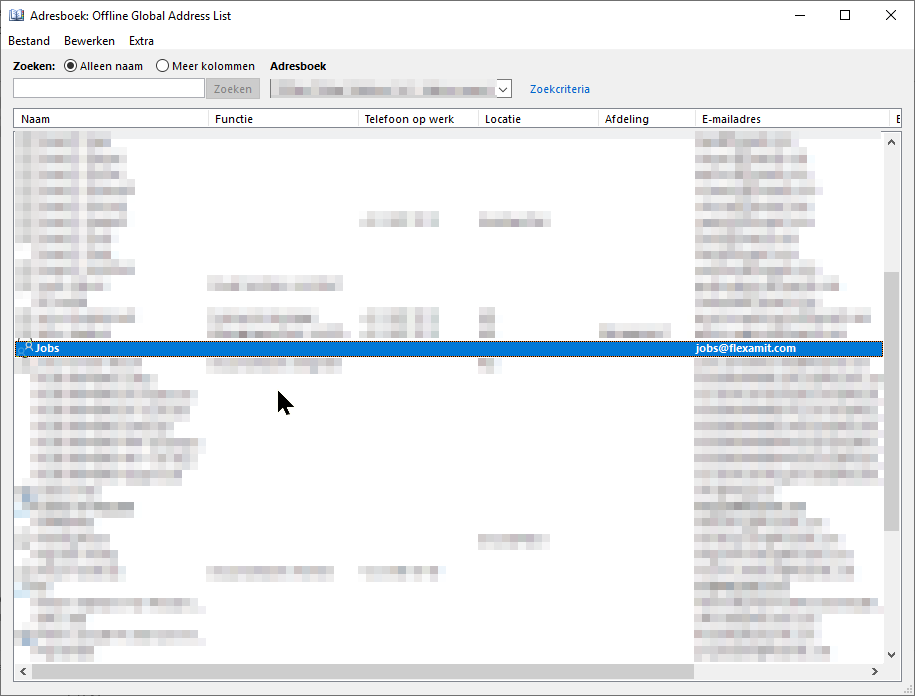
3. You should see a list of your distribution lists and contacts.
4. Double-click on the desired distribution list.
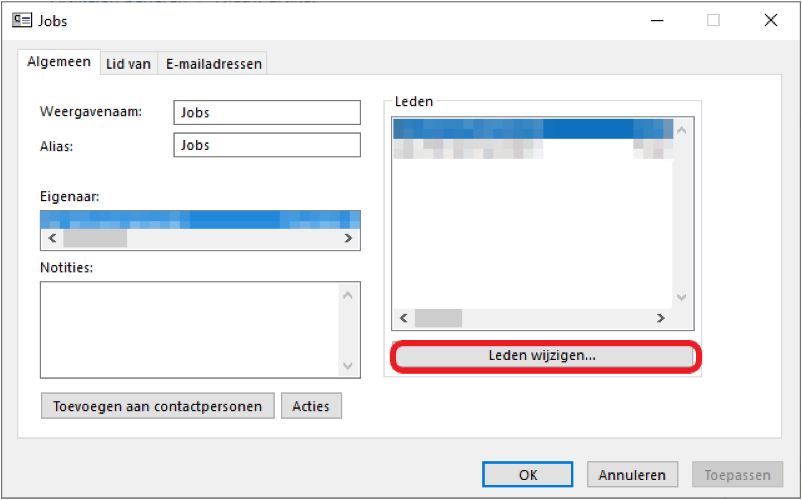
5. Click on Change members...
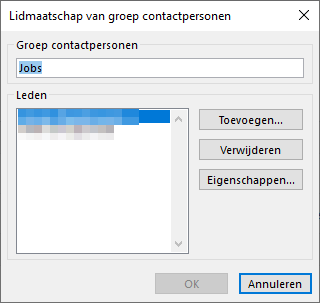
6. Here you can add or remove members
Tip: Only add members of your domain.
Comments
0 comments
Please sign in to leave a comment.